
Choosing the right project management tool today feels overwhelming.
There are dozens of platforms promising to boost productivity, improve collaboration, and help you scale your business. But in reality, most teams end up switching between tools, wasting time, and struggling to stay organized.
If you’re running a small business, agency, or even working as a freelancer, you don’t just need another tool you need the right system that actually simplifies your workflow.
This is where modern platforms like monday.com and ClickUp come in. They’re designed to bring structure, clarity, and control to your projects but they’re not the only options.
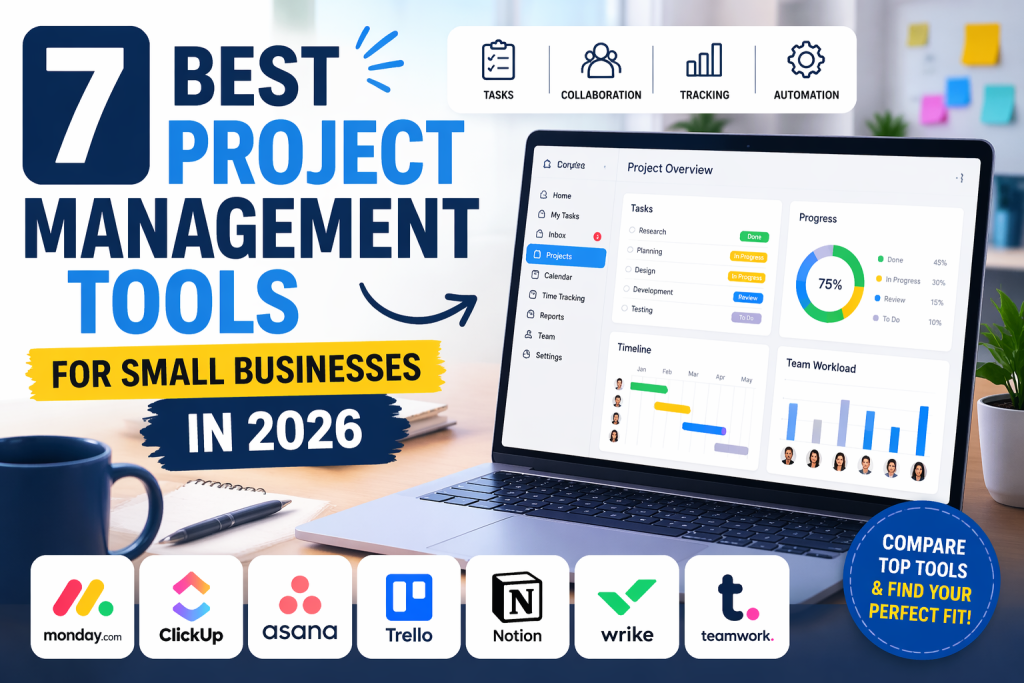
In this guide, we’ll break down the 7 best project management tools for small businesses in 2026, comparing their strengths, weaknesses, and real-world use cases so you can make the right decision without wasting time.
1. monday.com – Best Overall for Visual Project Management
monday.com stands out as one of the most user-friendly and visually powerful tools on the market.
In this monday.com review, one thing becomes clear: it’s built for teams that want clarity without complexity.
Why It Works So Well
- Clean and intuitive interface
- Visual boards for tracking progress
- Strong automation features
- Powerful dashboards
Real Use Case
A marketing agency can manage campaigns, content calendars, and client projects all in one place without confusion.
Best For
- Small businesses
- Agencies
- Remote teams
Downside
Pricing can increase as your team grows.
Verdict: If you want simplicity, speed, and visual clarity, monday.com is hard to beat.
2. ClickUp – Best All-in-One Productivity Tool
ClickUp is often called the “everything app for work.”
It combines:
- Tasks
- Docs
- Chat
- Goals
- Time tracking
Why People Love It
- Extremely customizable
- Feature-rich even on free plan
- Great for complex workflows
Real Use Case
A startup can manage product development, documentation, and team communication all inside one platform.
Best For
- Tech teams
- Startups
- Advanced users
Downside
There’s a learning curve, especially for beginners.
Verdict: If you want power and flexibility, ClickUp delivers.
3. Asana – Best for Simple Team Collaboration
Asana is known for its clean interface and ease of use.
It focuses on:
- Task tracking
- Team collaboration
- Workflow organization
Why It Stands Out
- Simple and intuitive
- Great for non-technical teams
- Reliable performance
Real Use Case
Content teams can manage blog production, deadlines, and approvals smoothly.
Downside
Less customizable than ClickUp.
Verdict: Perfect for teams that want simplicity without sacrificing functionality.
4. Trello – Best for Beginners
Trello is one of the simplest tools available.
It uses a Kanban system:
- Boards
- Lists
- Cards
Why It Works
- Very easy to learn
- Great for small projects
- Strong free plan
Real Use Case
Freelancers use Trello to track daily tasks and client work.
Downside
Not ideal for complex projects.
Verdict: Best starting point for beginners.
5. Notion – Best for Productivity + Notes
Notion is more than a project management tool.
It combines:
- Notes
- Databases
- Task tracking
Why It’s Unique
- Highly flexible
- Great for knowledge management
- All-in-one workspace
Real Use Case
A solo entrepreneur manages content, notes, and business planning in one system.
Downside
Takes time to set up properly.
Verdict: Ideal for individuals and creators.
6. Wrike – Best for Enterprise Teams
Wrike is designed for large teams and complex workflows.
Key Strengths
- Advanced reporting
- Workflow customization
- Enterprise-level features
Best For
- Large organizations
- Data-driven teams
Downside
Can feel overwhelming for small businesses.
Verdict: Powerful but better suited for bigger teams.
7. Teamwork – Best for Agencies
Teamwork focuses on client-based work.
Why Agencies Love It
- Time tracking
- Client collaboration
- Project billing
Real Use Case
An agency manages multiple clients, tracks billable hours, and delivers projects efficiently.
Downside
Interface is not as modern as competitors.
Verdict: Strong choice for service-based businesses.
How to Choose the Right Project Management Tool
Choosing the right tool depends on your needs not just features.
Ask Yourself:
- Do I need simplicity or advanced features?
- How big is my team?
- What is my budget?
- Do I need automation?
Quick Decision Guide
- Want simple & visual → monday.com
- Want all-in-one power → ClickUp
- Want clean collaboration → Asana
- Want something basic → Trello
Real-World Scenario Comparison
Small Business Owner
You need structure without complexity
👉 Best choice: monday.com
Startup Team
You want everything in one place
Best choice: ClickUp
Freelancer
You want something simple and fast
Best choice: Trello or Notion
Final Verdict: Which Tool Wins in 2026?
There is no single “perfect” tool—but there is a clear winner depending on your needs.
- monday.com is best for simplicity, clarity, and visual workflows
- ClickUp is best for features and customization
If you want something that helps you get started quickly and stay organized without stress, monday.com is the better choice.
If you prefer flexibility and deeper control, ClickUp is the way to go.